
 English
 Français
 Español
 日本語
 العربية
 简体中文


Building an Android Compatibility Matrix: What Automotive Developers Should Validate
Contact: [email protected] | WhatsApp: +86 17663606879
A successful Android integration does not automatically mean that an in-vehicle application will work consistently across different smartphones, infotainment systems and software configurations.
For automotive OEMs, Tier 1 suppliers and software developers, compatibility management should be part of the validation strategy from the beginning of a project.
1. Understand the Two Android Automotive Platforms
Google provides two different automotive environments:
Android Auto: Runs through a compatible Android smartphone connected to a compatible vehicle or aftermarket head unit.
Android Automotive OS (AAOS): An Android-based infotainment operating system integrated directly into the vehicle.
Although both platforms support automotive applications, their operating environments and deployment approaches are different.
Google specifies Android 9 (API level 28) or higher for Android Auto-compatible phones. This is a platform compatibility baseline, not a guarantee that every device will support every application feature.
2. What Should Your Compatibility Matrix Include?
A structured matrix can help engineering teams identify potential compatibility gaps before broader vehicle integration.
Consider recording the following parameters:
A. Smartphone and OS Information
Smartphone manufacturer and model
Android OS version
Android Auto version
USB or wireless connection configuration
B. Vehicle and Infotainment Information
Vehicle model and head-unit model
Android Automotive OS version, where applicable
Head-unit firmware version
Hardware and connectivity configuration
C. Application Information
Application version
Supported application category
Required services and interfaces
Relevant feature configuration
These fields are proposed project-management items, not a mandatory Google-prescribed matrix format.
3. Key Areas to Validate
A practical compatibility assessment can cover:
Initial device recognition and connection establishment
Application launch and reconnection behaviour
Media playback and user-interface response
Navigation or communication functions, where applicable
Behaviour after software updates or configuration changes
Recovery from interrupted connections
The applicable checks will depend on the application category and platform.
4. Use the Appropriate Testing Environment
Google provides several testing approaches, including:
Android Auto Desktop Head Unit
Android Automotive OS Emulator
Testing on real automotive hardware
Firebase Test Lab for supported Android Automotive OS devices
Google also recommends testing the user experience and checking the applicable car-app quality criteria before submission for review.
Simulation is useful during development, but it should not be treated as a complete substitute for validation on the intended hardware configuration.
5. What Compatibility Does Not Automatically Mean
Passing a test on one smartphone does not establish compatibility with every Android device.
Likewise, successful testing on Android Auto does not automatically demonstrate compatibility with Android Automotive OS.
A compatibility result should always be linked to the tested device, software version, configuration and test conditions.
6. A Practical Action Plan
For each automotive infotainment project:
Define the target Android platform and supported application categories.
Identify the intended smartphone and head-unit configurations.
Establish a version-controlled compatibility matrix.
Prioritise representative devices and software combinations.
Record connection, functional and recovery test results.
Repeat relevant validation after significant software or firmware changes.
Final Thoughts
A well-structured compatibility matrix helps automotive development teams make testing more systematic, identify configuration-specific issues and maintain clearer validation records throughout a project.
At Blue Asia, we support automotive electronics projects with Android Auto-related testing and certification services, alongside EMC testing, wireless certification and other in-vehicle electronics compliance support.
If your team is preparing an Android Auto integration project, we welcome the opportunity to discuss potential cooperation.
Contact: [email protected] | WhatsApp: +86 17663606879
 博客
Why Two-Wheelers Are Becoming As Complex As Passenger Cars
閱讀文章
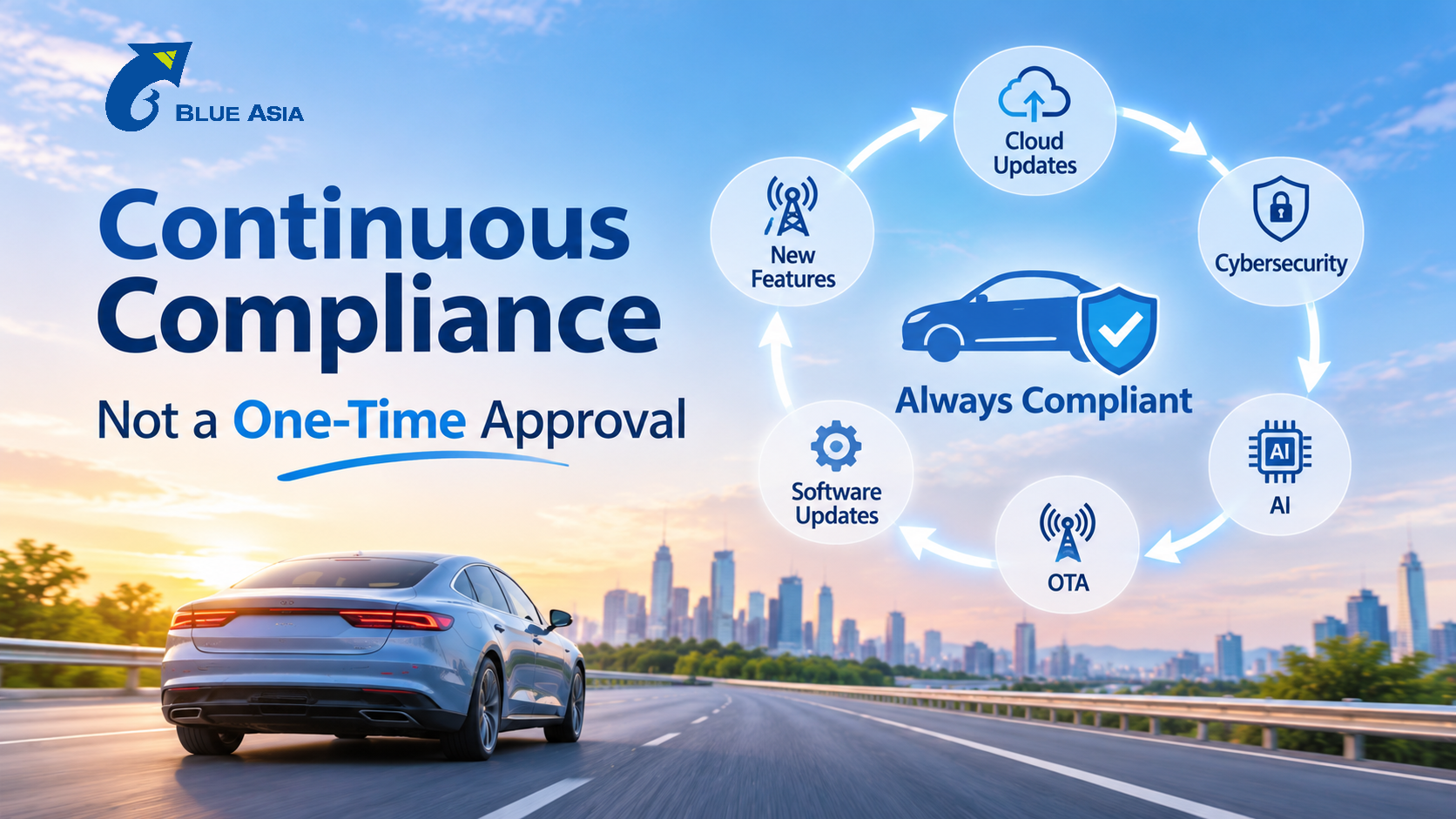 博客
Why Future Vehicle Certification Will Be Continuous Instead of One-Time Approval
閱讀文章
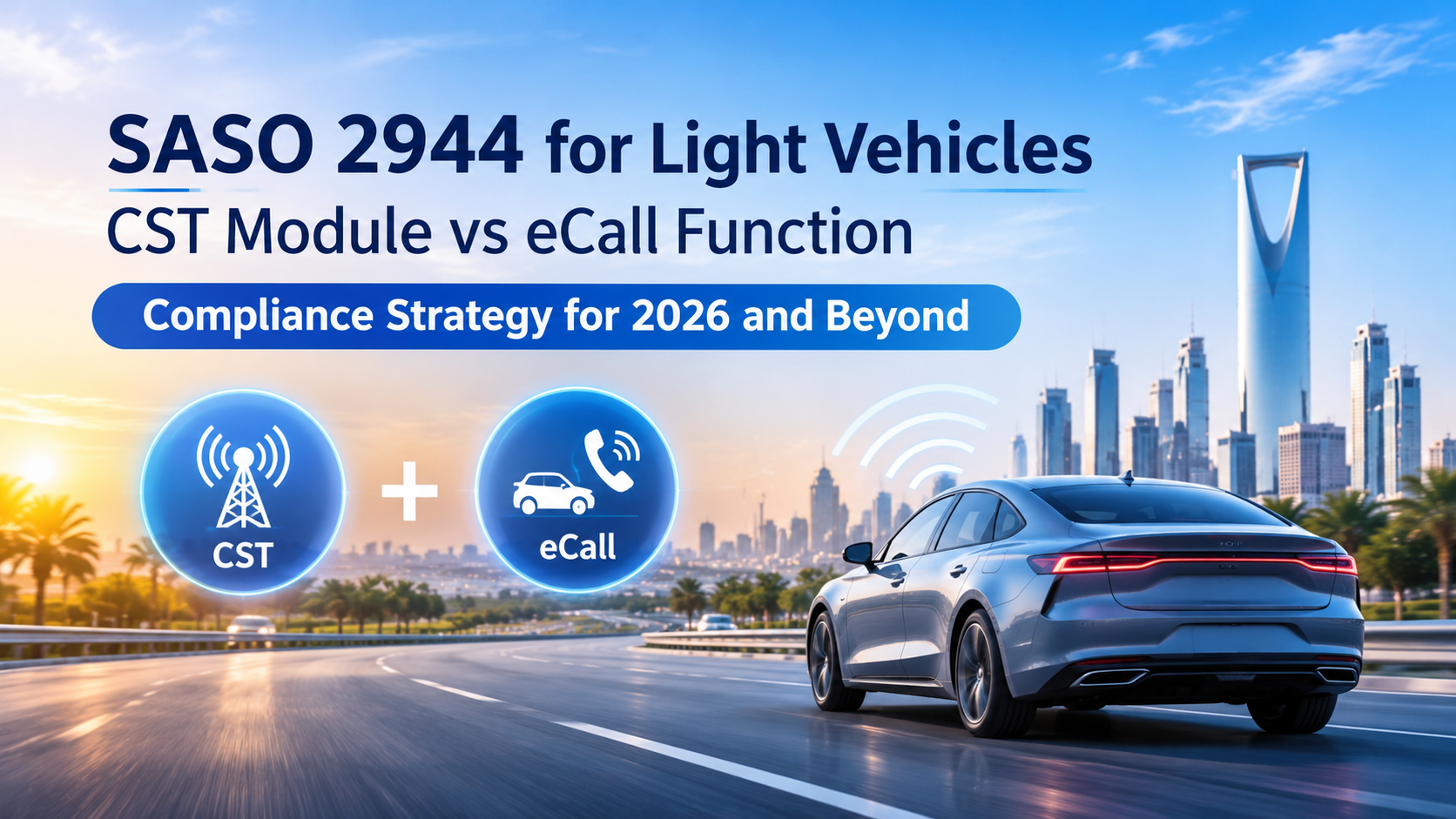 博客
Saudi SASO 2944 for Light Vehicles: How to Separate CST Module RF Approval from Vehicle-Leve
閱讀文章
 博客
Adding 4G/5G eCall to an Existing Vehicle? The Hard Part Is Not the Cellular Module.
閱讀文章
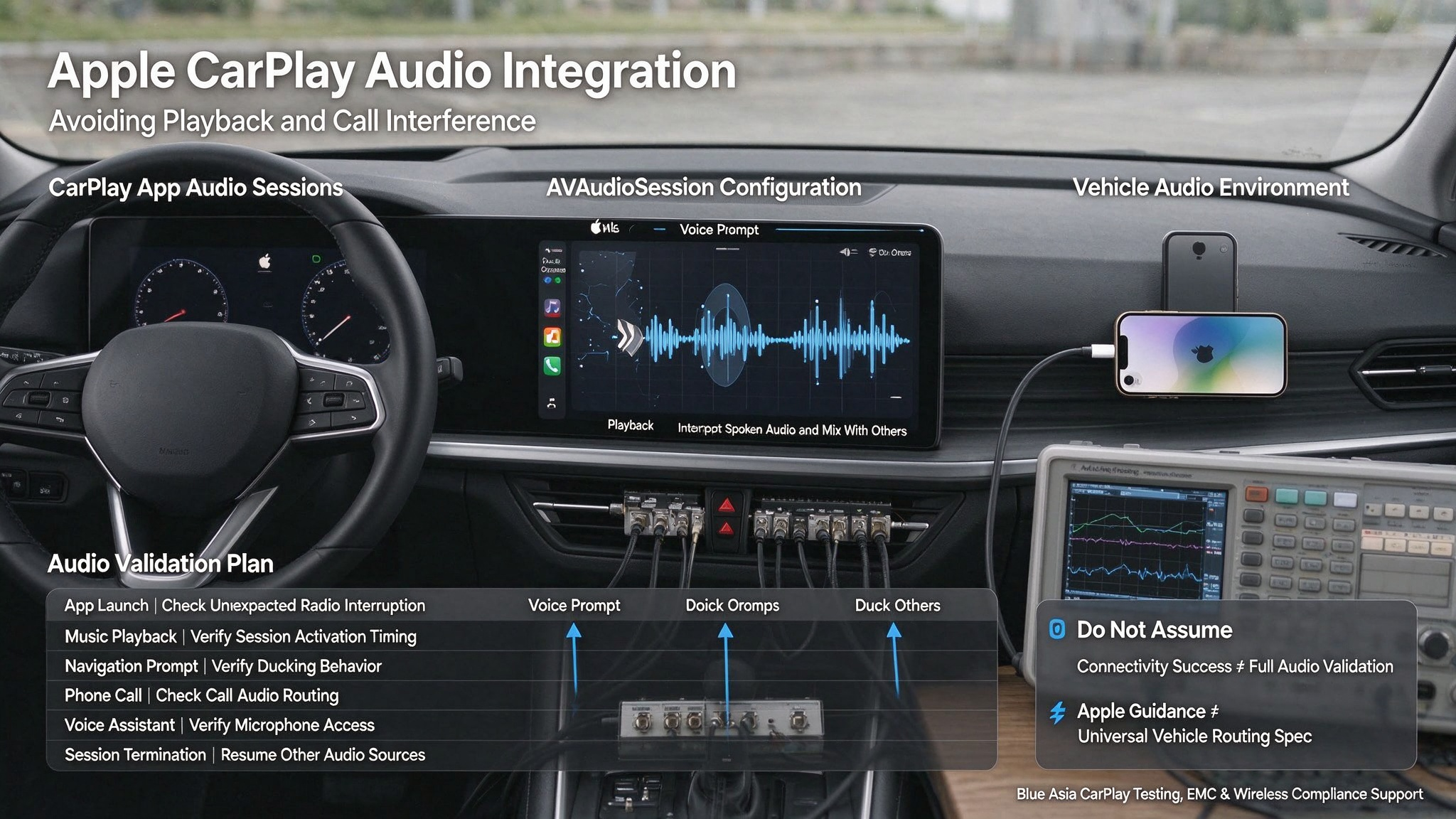 博客
Apple CarPlay Audio Integration: How to Avoid Playback and Call Interference
閱讀文章
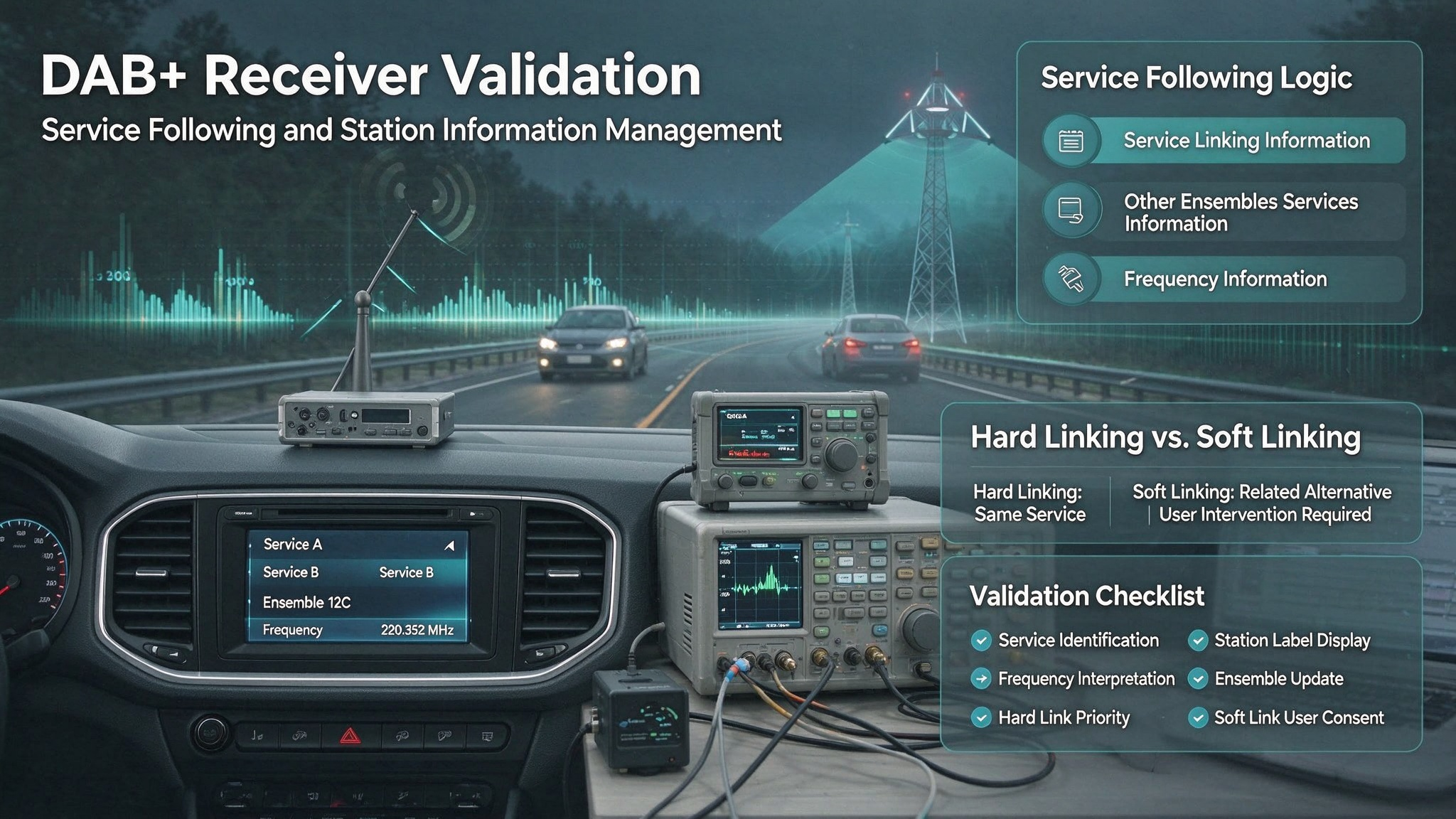 博客
DAB+ Receiver Validation: How to Manage Service Following and Station Information
閱讀文章

 4000259520