
 English
 Français
 Español
 日本語
 العربية
 简体中文


Apple CarPlay Audio Integration: How to Avoid Playback and Call Interference
Contact: [email protected] | WhatsApp: +86 17663606879
A CarPlay connection may be established successfully, but does that mean the audio experience is working as expected?
In automotive infotainment projects, audio integration involves more than simply playing music through the vehicle speakers.
Music playback, navigation voice prompts, phone calls and voice-based functions may all interact with the vehicle's audio environment.
For OEMs, Tier 1 suppliers and infotainment developers, these scenarios should be considered during integration and validation.
1. Understanding Audio Session Management
Apple's CarPlay Developer Guide provides specific guidance on how applications should manage audio sessions.
One important recommendation is to activate an audio session only when the application is ready to play audio.
Why does this matter?
When an application activates its audio session, other audio sources in the vehicle may stop.
For example, if a driver is listening to the vehicle's FM radio, an application that activates its audio session immediately upon launch may interrupt the existing radio playback.
Therefore, application launch and actual audio playback should be treated as separate events.
2. Managing Different Audio Scenarios
A. Music Playback
During music playback, engineering teams should examine:
Whether playback begins only after the user selects the audio source
Whether the audio session is activated at the appropriate time
Whether playback behaves correctly when another audio source is active
Whether the session is released when audio is no longer required
B. Navigation Voice Prompts
Navigation prompts introduce another layer of audio interaction.
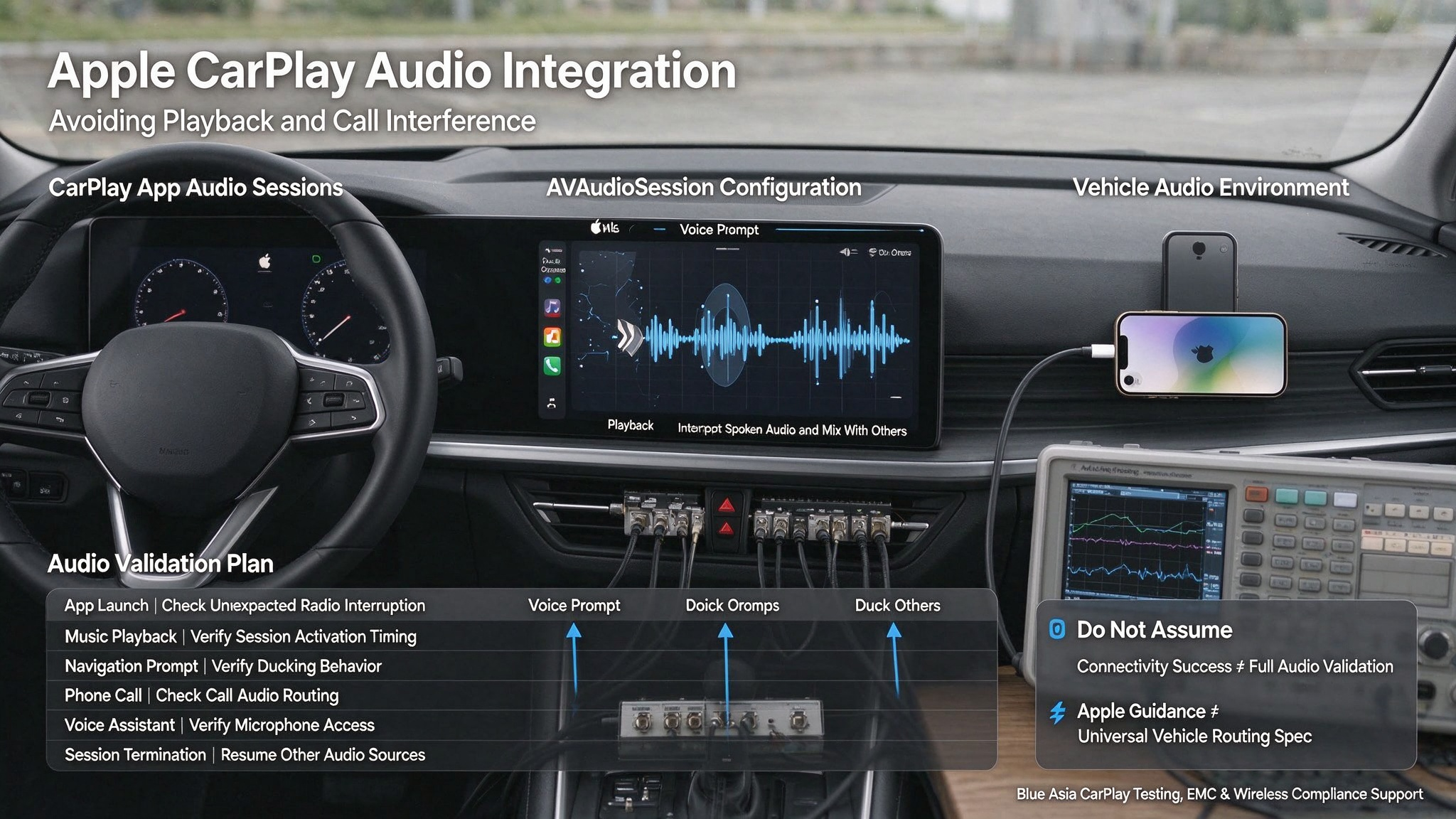
Apple specifies an audio-session configuration for CarPlay navigation voice prompts, including:
AVAudioSessionCategoryPlaybackAVAudioSessionModeVoicePromptAVAudioSessionCategoryOptionInterruptSpokenAudioAndMixWithOthersAVAudioSessionCategoryOptionDuckOthers
These options support different behaviours when navigation prompts interact with other audio sources.
For example, ducking allows the volume of other audio to be reduced while a navigation prompt is playing.
Apple also recommends deactivating the audio session when the prompt has finished so other audio can resume.
C. Phone Calls and Voice Interaction
Phone calls and voice-based services can introduce additional audio coordination requirements.
Apple's guidance notes that recording configurations can affect audio playback and audio input for vehicle functions such as voice assistants and phone calls.
In general, recording features should not be enabled while CarPlay is active, except for specified navigation and voice-based conversational app scenarios using the voice control template.
Engineering teams should therefore pay attention to microphone access, audio-session configuration and the interaction between voice functions and other audio sources.
3. What Should Be Included in an Audio Validation Plan?
A useful project validation plan can include the following scenarios:
| Test Scenario | What to Examine |
|---|---|
| CarPlay application launch | Whether existing radio playback is interrupted unexpectedly |
| Music playback | Audio session activation and playback behaviour |
| Incoming phone call | Interaction between call audio and existing media |
| Navigation voice prompt | Prompt playback and audio ducking |
| Voice assistant activation | Microphone and audio-input behaviour |
| Audio session termination | Whether other audio sources can resume |
| iPhone locked state | Whether the application continues to function as expected |
These are suggested project test scenarios, not a claim that Apple defines this exact mandatory test matrix.
4. What Should Not Be Assumed?
Successful CarPlay connectivity does not automatically demonstrate that every audio scenario has been validated.
Likewise, Apple's application audio-session guidance should not be interpreted as a universal vehicle-level audio routing specification.
The final validation scope should consider the application design, vehicle audio architecture, head-unit implementation and applicable Apple requirements.
5. A Practical Action Plan for Development Teams
Before project release, consider the following steps:
Identify all audio sources involved in the infotainment system.
Define the expected behaviour for music, navigation, calls and voice functions.
Review the application's audio-session activation and deactivation logic.
Check microphone and recording configurations.
Verify the interaction between CarPlay and the vehicle's native audio functions.
Record unexpected interruptions, playback failures and recovery behaviour.
Repeat relevant checks after software or firmware changes.
6. Why Audio Validation Matters
A stable CarPlay experience depends on how different audio functions coexist within the vehicle environment.
Identifying audio-session conflicts early can help engineering teams reduce integration issues and improve the consistency of in-vehicle multimedia functions.
Final Thoughts
CarPlay integration should be evaluated not only by whether a device connects, but also by how reliably audio functions behave under different operating conditions.
At Blue Asia, we support automotive electronics projects with CarPlay-related testing and certification services, together with EMC testing, wireless certification, Bluetooth BQB and other automotive electronics compliance support.
If your team is developing or validating an in-vehicle infotainment system, we welcome the opportunity to discuss potential cooperation.
Contact: [email protected] | WhatsApp: +86 17663606879
 博客
Why Two-Wheelers Are Becoming As Complex As Passenger Cars
閱讀文章
 博客
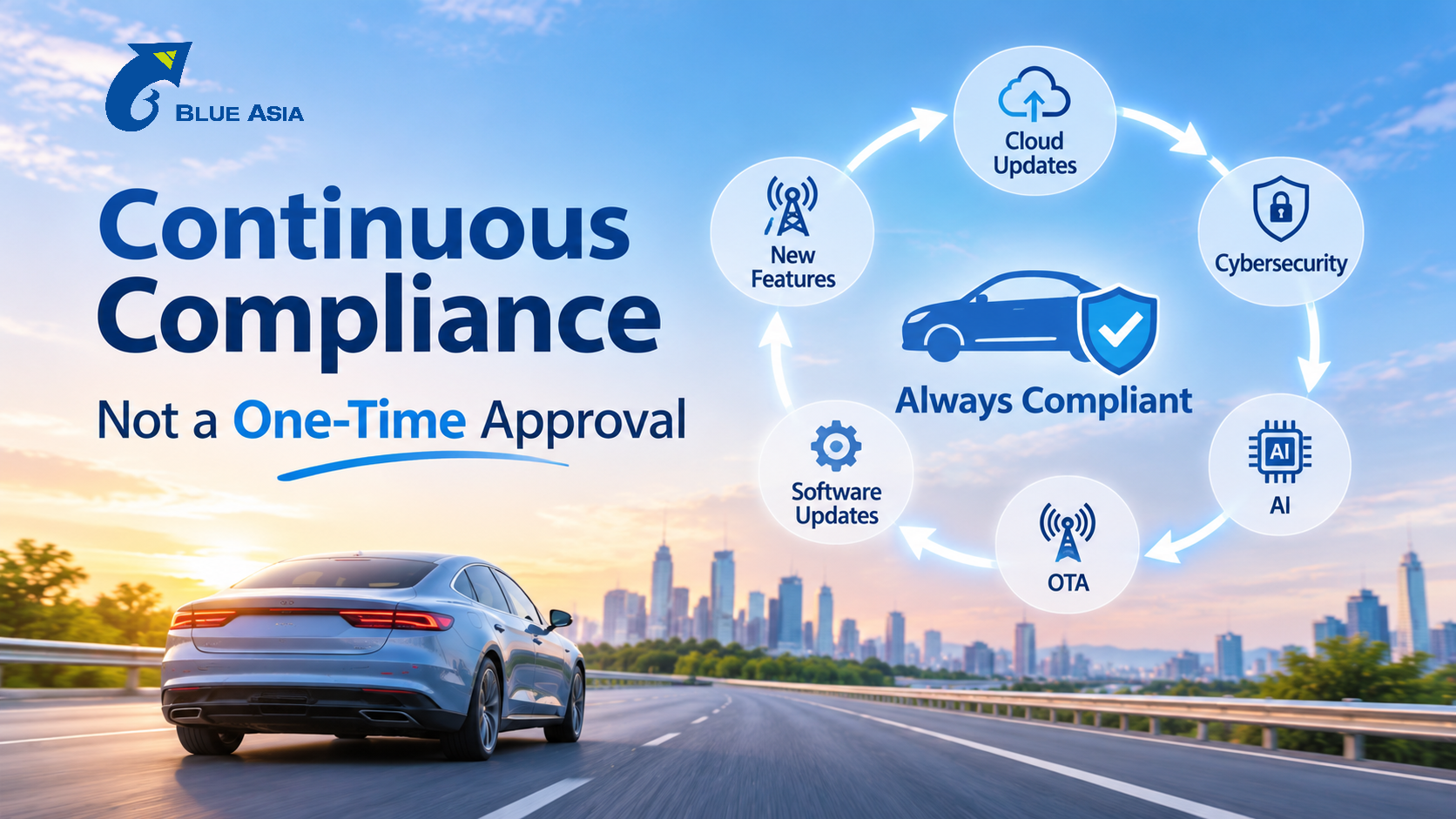
Why Future Vehicle Certification Will Be Continuous Instead of One-Time Approval
閱讀文章
 博客
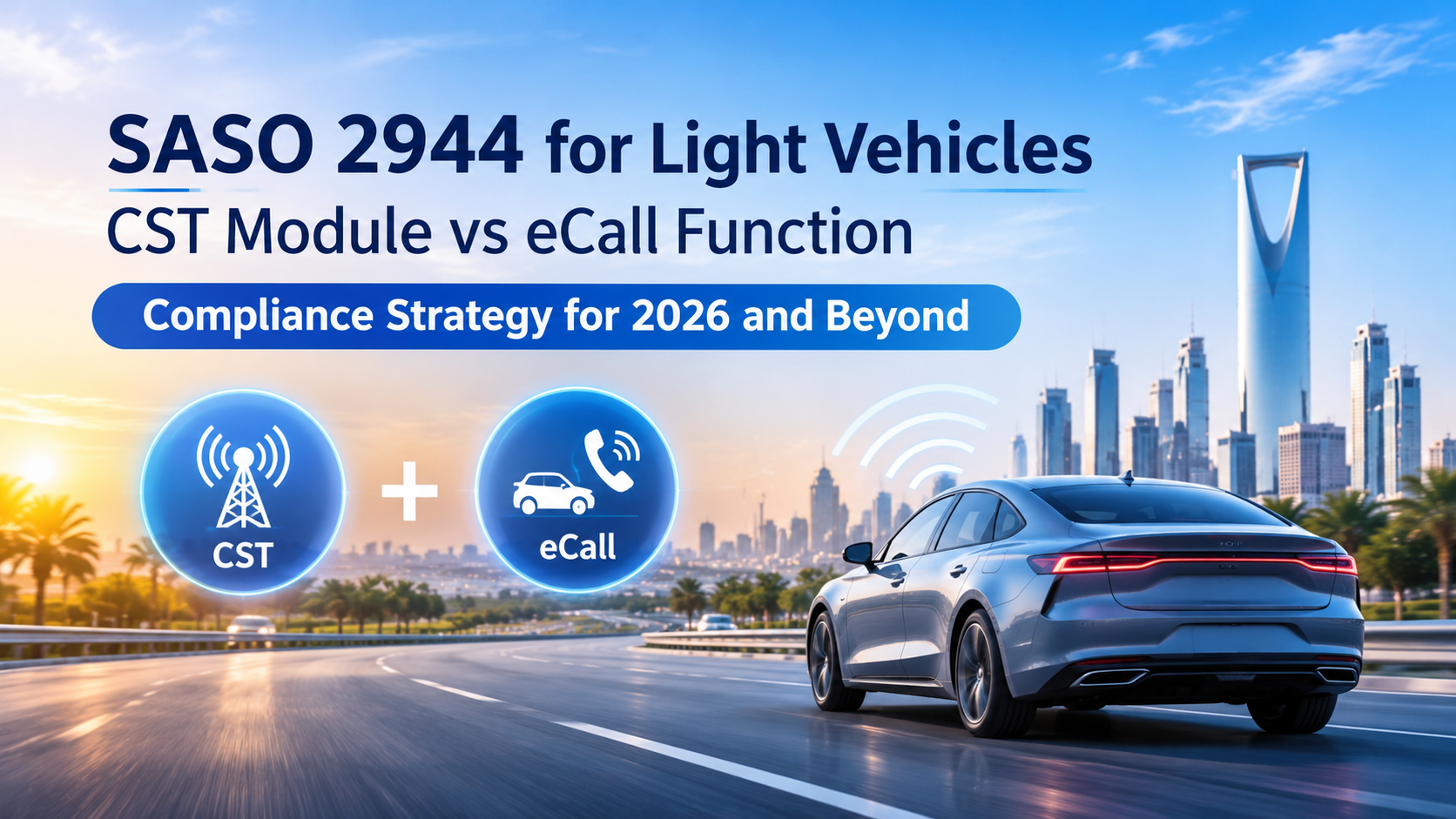
Saudi SASO 2944 for Light Vehicles: How to Separate CST Module RF Approval from Vehicle-Leve
閱讀文章
 博客
Adding 4G/5G eCall to an Existing Vehicle? The Hard Part Is Not the Cellular Module.
閱讀文章
 博客
Apple CarPlay Audio Integration: How to Avoid Playback and Call Interference
閱讀文章
 博客
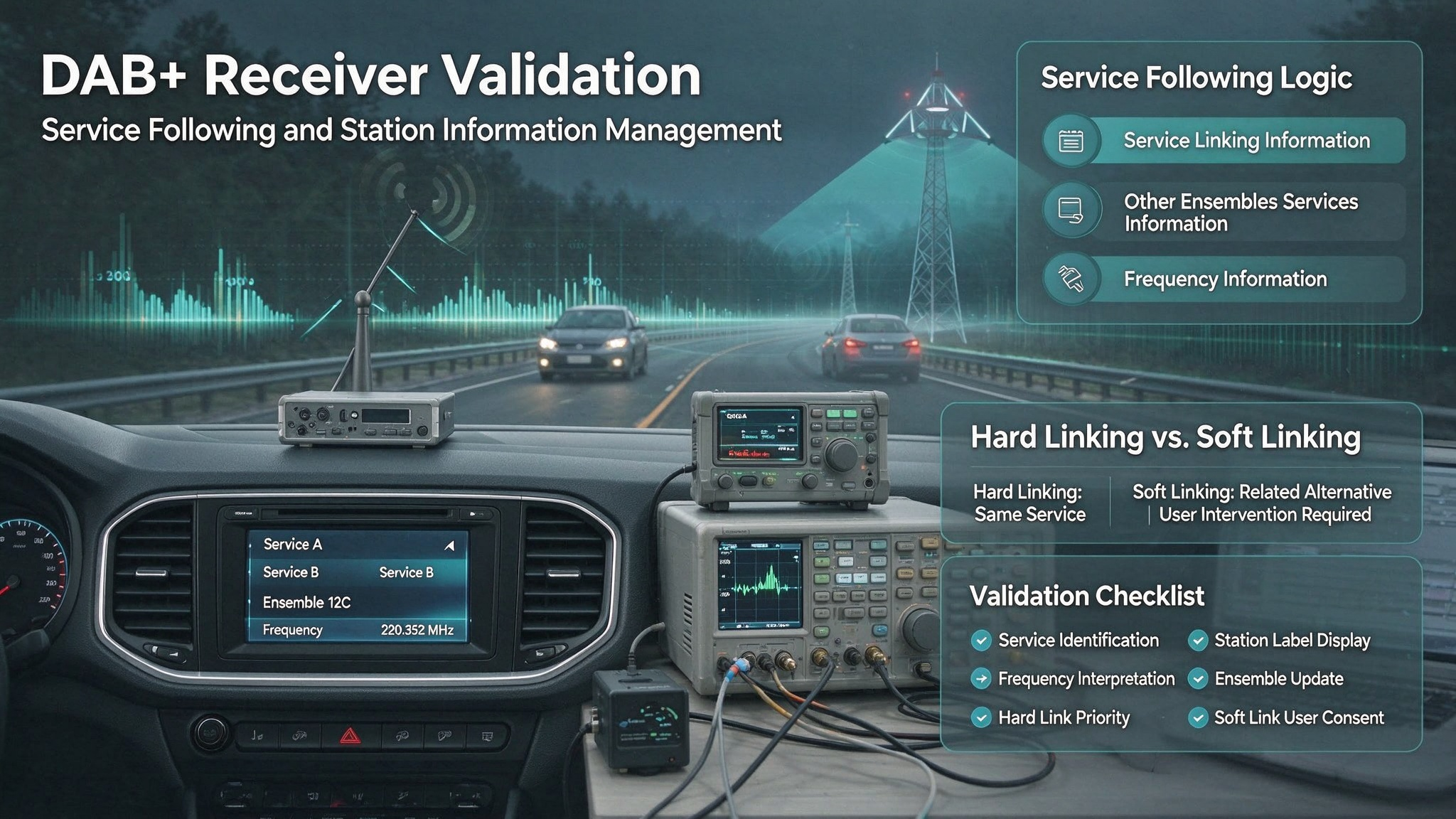
DAB+ Receiver Validation: How to Manage Service Following and Station Information
閱讀文章

 4000259520